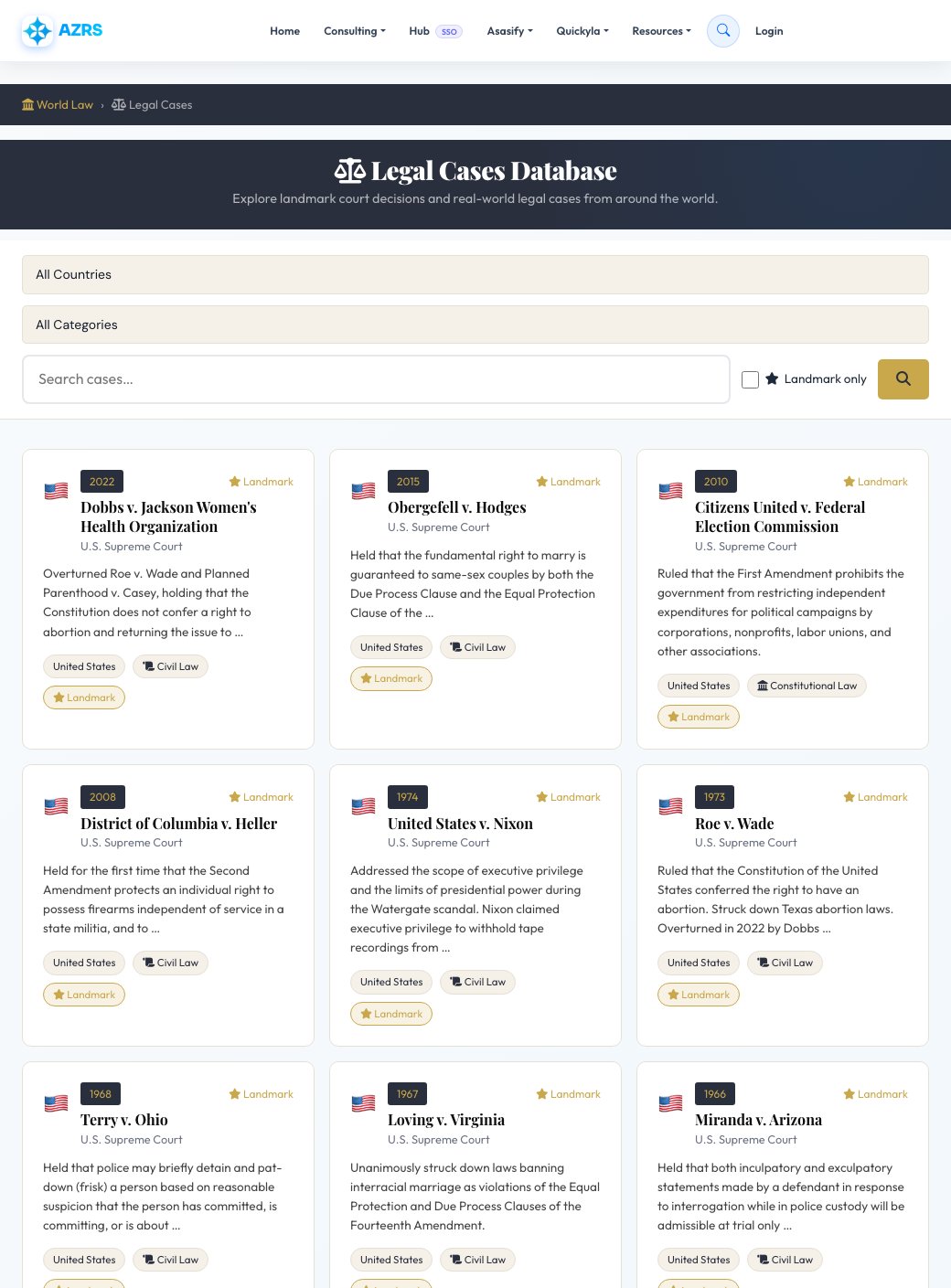
2022
Landmark
Dobbs v. Jackson Women's Health Organization
U.S. Supreme Court
Overturned Roe v. Wade and Planned Parenthood v. Casey, holding that the Constitution does not confer a right to abortion and returning the issue to …
2015
Landmark
Obergefell v. Hodges
U.S. Supreme Court
Held that the fundamental right to marry is guaranteed to same-sex couples by both the Due Process Clause and the Equal Protection Clause of the …
2010
Landmark
Citizens United v. Federal Election Commission
U.S. Supreme Court
Ruled that the First Amendment prohibits the government from restricting independent expenditures for political campaigns by corporations, nonprofits, labor unions, and other associations.
2008
Landmark
District of Columbia v. Heller
U.S. Supreme Court
Held for the first time that the Second Amendment protects an individual right to possess firearms independent of service in a state militia, and to …
1974
Landmark
United States v. Nixon
U.S. Supreme Court
Addressed the scope of executive privilege and the limits of presidential power during the Watergate scandal. Nixon claimed executive privilege to withhold tape recordings from …
1973
Landmark
Roe v. Wade
U.S. Supreme Court
Ruled that the Constitution of the United States conferred the right to have an abortion. Struck down Texas abortion laws. Overturned in 2022 by Dobbs …
1968
Landmark
Terry v. Ohio
U.S. Supreme Court
Held that police may briefly detain and pat-down (frisk) a person based on reasonable suspicion that the person has committed, is committing, or is about …
1967
Landmark
Loving v. Virginia
U.S. Supreme Court
Unanimously struck down laws banning interracial marriage as violations of the Equal Protection and Due Process Clauses of the Fourteenth Amendment.
1966
Landmark
Miranda v. Arizona
U.S. Supreme Court
Held that both inculpatory and exculpatory statements made by a defendant in response to interrogation while in police custody will be admissible at trial only …
1965
Landmark
Griswold v. Connecticut
U.S. Supreme Court
Held that the Constitution protected a right to privacy, specifically regarding a married couple's right to use contraception. Struck down a Connecticut law banning contraceptives.
1964
Landmark
New York Times Co. v. Sullivan
U.S. Supreme Court
Ruled that the First Amendment restricts the ability of American public officials to sue for defamation, requiring proof of actual malice — knowledge that statements …
1963
Landmark
Gideon v. Wainwright
U.S. Supreme Court
Unanimously held that the Sixth Amendment right to counsel is a fundamental right essential to a fair trial, and as such applies to the states …
1954
Landmark
Brown v. Board of Education
U.S. Supreme Court
Declared state laws establishing separate public schools for black and white students unconstitutional, overturning the separate but equal doctrine of Plessy v. Ferguson.
1896
Landmark
Plessy v. Ferguson
U.S. Supreme Court
Upheld the constitutionality of racial segregation laws for public facilities under the doctrine of separate but equal. Later overturned by Brown v. Board of Education …
1803
Landmark
Marbury v. Madison
U.S. Supreme Court
First case in which the Supreme Court applied the principle of judicial review — the power to strike down laws that violate the Constitution.