Wired vs. wireless keyboards: Is there really a difference in performance?
In our wireless world, with Bluetooth available on nearly every device, it's easy to wonder why USB wired keyboards still exist. Not only can you find plenty of wired keyboards today, but you'll even…
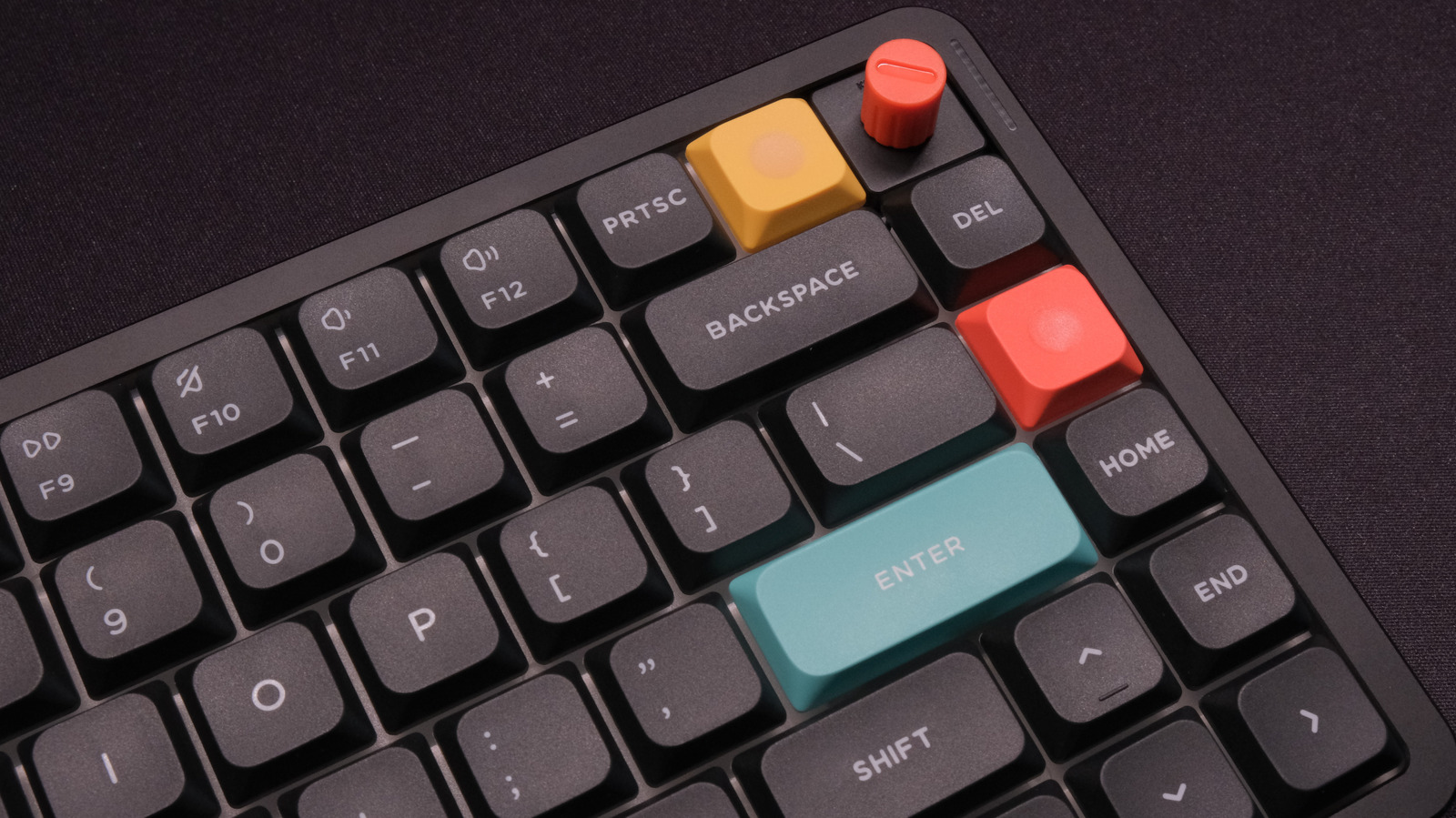
In our wireless world, with Bluetooth available on nearly every device, it's easy to wonder why USB wired keyboards still exist. Not only can you find plenty of wired keyboards today, but you'll even find high-end options with no wireless protocol available. Performance-focused gaming keyboards are the least likely to have a wireless option, a fact that underscores the main issue wired devices avoid: performance problems.
Bluetooth is well-known for its latency. If you've ever hooked up a Bluetooth speaker or pair of earbuds to watch a video and noticed that the audio was out of sync, you've experienced that latency. But it isn't just audio. Mouse clicks and keypresses sent over Bluetooth can take a few extra milliseconds to reach your computer. In day-to-day tasks like writing or editing spreadsheets, you'll almost never notice the delay. But in tasks like gaming, where reaction time is key, Bluetooth latency can quickly lead to a lost match or a character death. Musicians using keyboards for input with a digital audio workstation (DAW) may also require lower latency for precise timing.
But Bluetooth isn't the only wireless game in town. Many keyboards also include a 2.4GHz connection, which usually requires plugging a small dongle into your computer's USB port. 2.4GHz is much faster than Bluetooth and often acceptable for gaming and other low-latency tasks.
If you don't game, you can safely ignore this entire topic and use whichever keyboard connection type you prefer. But if you do play games and want to optimize your setup, it's worth unpacking how the two most common wireless connection types found on keyboards can perform compared to a wired keyboard.
When we talk about keyboard performance, we're talking about more than connection type. Actuation speed measures how quickly a key activates when pressed, debounce rate measures how the keyboard filters out accidental repeat presses and other chatter, and polling rate measures how often the keyboard reports back to the host device. All of these and more can affect overall latency. But whereas today's midrange and pro-grade keyboards have solved those issues — for instance, using Hall effect switches to allow for customizable actuation points and high polling rates to prevent bottlenecking — there's no getting around the limitations of Bluetooth. That's why you won't even find a Bluetooth option on a large number of gaming keyboards, and it's even missing on plenty of non-gaming mechanical keyboards.
If you're choosing between a wired and Bluetooth connection, the wired option will invariably be the better option in terms of performance. The same is true of anything we use Bluetooth for. For instance, listening to music through AirPods will never sound as good as plugging in a pair of wired headphones, and both gaming mice and headsets are subject to the same latency concerns as keyboards. In terms of keyboards, a Bluetooth connection may introduce as little as 8 milliseconds of latency — practically nothing compared to a human reaction speed of 150 to 250 milliseconds — but can easily top out at over 200 milliseconds, which is enough to make many games unplayable.
Why keep Bluetooth around if it sucks so hard? Because most people are willing to trade a lot of performance in exchange for convenience. I listen to my music with wireless earbuds because I don't want wires dangling down my body while I walk to the train. I type articles like these on a Bluetooth keyboard because I would need to type faster than humanly possible to notice the drop in performance. Gaming is a specialized case in which convenience becomes a burden. If I miss a headshot in a competitive shooter because my keyboard added just enough latency to throw off my aim, I am going to die when they shoot back and drop in the seasonal rankings as a result. But Bluetooth can be perfectly adequate in turn-based games, RPGs and other titles where lightning-fast reaction speeds matter less.
That brings us to 2.4GHz, the Goldilocks of keyboard and mouse connections. If you've ever seen a keyboard with a small USB dongle that plugs into a computer to create a wireless connection, you already know what 2.4GHz looks like.
Read Full Story at Engadget →