How to update your GPU drivers in Windows 11
Graphics card driver updates are important, but finding them can be confusing. Software updates for apps, operating systems and services primarily serve two benefits — they deliver new features and …
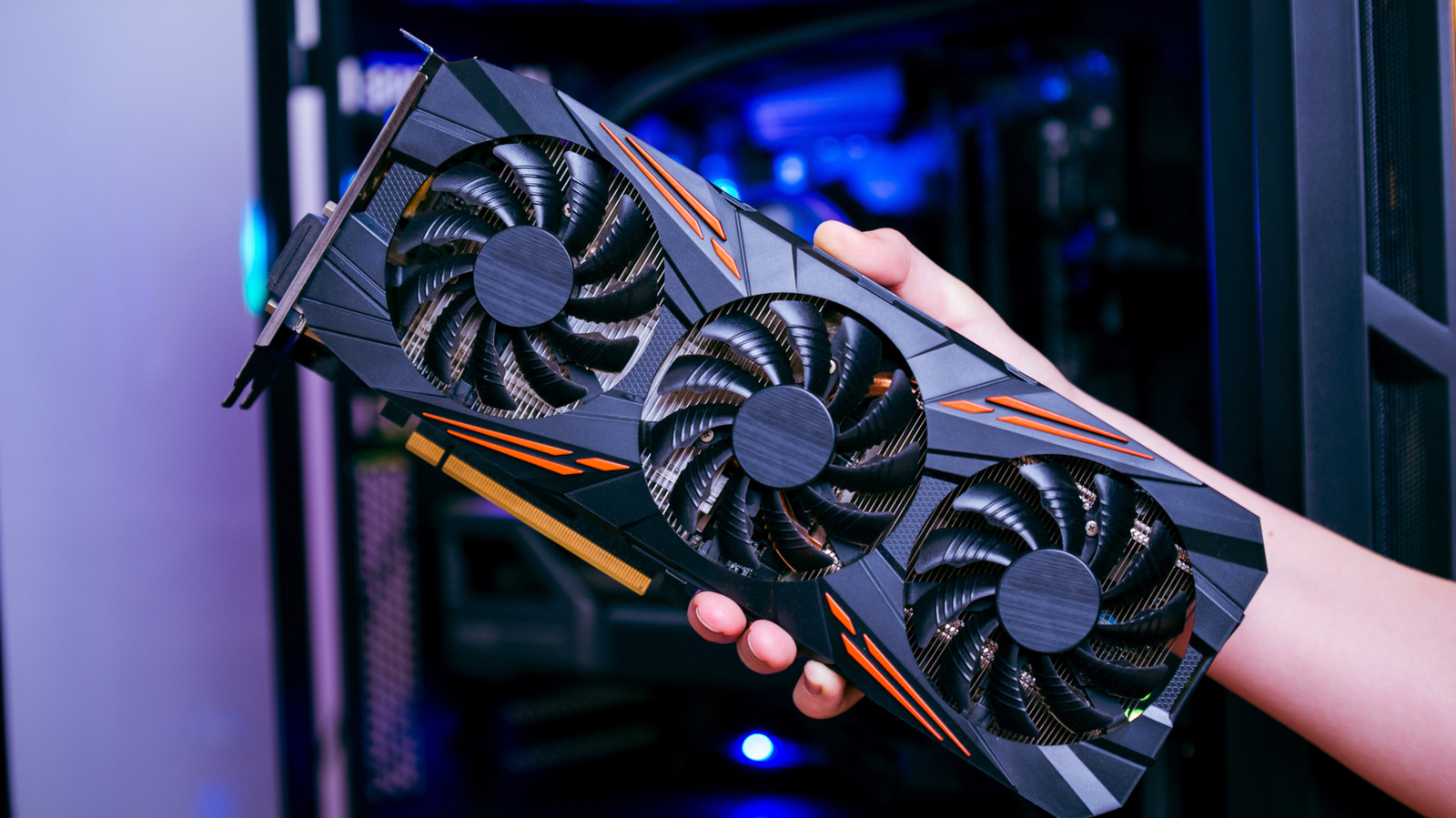
Graphics card driver updates are important, but finding them can be confusing.
Software updates for apps, operating systems and services primarily serve two benefits — they deliver new features and fix known issues. Hardware driver updates largely fall into the latter category, so don't offer as much excitement, but keeping them up-to-date is a good way to ensure your computer's internals perform optimally.
Graphics cards (GPUs) often receive the most updates, with new game releases often requiring a driver update to yield the best possible performance. But knowing the best place to get them on your Windows PC can often be confusing.
If you haven't updated your GPU drivers in a hot minute, navigating to Settings > Windows Update and clicking on Check for updates will fetch available updates and install them. However, you can also check for new graphics card drivers through another built-in utility.
Open the Start Menu and search for Device Manager . Here, you'll find a list of all the hardware connected to your computer. Expand the Display adapters section and double-click on your GPU's name. It's likely one made by AMD, NVIDIA or Intel. Navigate to the Driver tab, click on Update Driver and select Search automatically for drivers .
Though this is a handy way to deal with outdated drivers, Windows Update doesn't have the best reputation with how it handles GPU drivers. If it finds and installs a version that's several releases behind what's available directly from the manufacturer, you could be missing out on the latest performance improvements and bug fixes. If you have a little more time on your hands, it's recommended that you grab the latest drivers directly from your graphics card maker.
You'll first need to determine which company made your GPU. Looking inside the Device Manager app is a quick way to find out. Next, launch the Start Menu and check if you have your GPU's companion software already installed. Just type in "AMD," "Intel" or "NVIDIA" and see if any results pop up.
If nothing shows up, head to the manufacturer's website and download the latest version of the companion software. It's either going to be the NVIDIA App , AMD Software: Adrenalin Edition or Intel Graphics Software . Upon installation, the app should automatically detect your graphics card and let you know if newer drivers are available to install.
Read Full Story at Engadget →