Bluetooth or Wi-Fi: How does wireless CarPlay connect?
Bluetooth handles pairing and reconnection, Wi-Fi does the rest. Wireless CarPlay uses both Bluetooth and Wi-Fi, but not for the same job. Bluetooth helps your iPhone and car find each other, pair a…
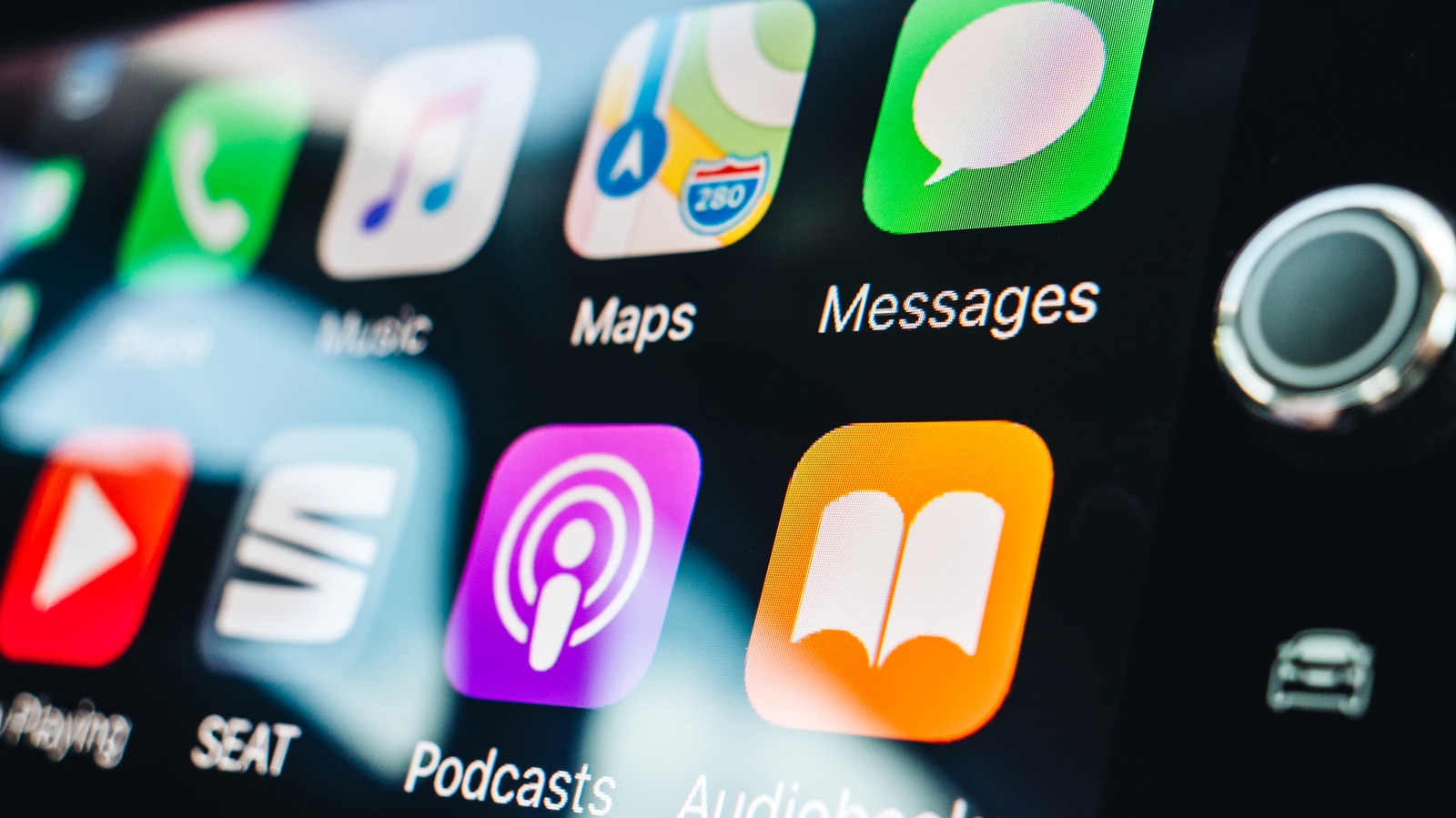
Bluetooth handles pairing and reconnection, Wi-Fi does the rest.
Wireless CarPlay uses both Bluetooth and Wi-Fi, but not for the same job. Bluetooth helps your iPhone and car find each other, pair and reconnect, while Wi-Fi carries the active CarPlay session. Apple says that includes CarPlay's audio, video and control data, even the audio from phone calls.
During the first wireless setup, Bluetooth pairs the iPhone with the car. The car then gives the iPhone the information it needs to join its Wi-Fi network, and CarPlay starts over that connection. Once the Wi-Fi session is running, the car ends its Bluetooth connection to that iPhone.
Bluetooth still has a job on later drives. The car can use the saved Bluetooth pairing to find the iPhone and start the wireless connection again. If a CarPlay session drops and Wi-Fi can't reconnect quickly, Bluetooth can also help reestablish it.
There are a couple of ways to complete that initial setup. If your car supports both wired and wireless CarPlay, connecting the iPhone by USB can handle the pairing before the phone offers to connect wirelessly on later drives. If you set it up without a cable, Apple tells users to make sure Bluetooth and Wi-Fi are enabled, put the car into wireless or Bluetooth pairing mode and select the vehicle under Settings > General > CarPlay .
Once CarPlay is running, Wi-Fi takes over the work that matters to the dashboard. The connection carries CarPlay's audio, control data and the video used to render its interface on the car's display.
That includes something you might normally associate with a Bluetooth connection: phone calls. During an active Wireless CarPlay session, Apple says phone-call audio also travels over Wi-Fi rather than switching back to ordinary Bluetooth audio.
Apple recommends 5GHz Wi-Fi for wireless CarPlay because it offers more available channels and is generally less congested than 2.4GHz. That isn't a universal requirement, though. Apple's technical documentation acknowledges that 2.4GHz implementations can exist.
Read Full Story at Engadget →